ChatGPT Launched Its Own Google Business Profile. Here’s How to Claim Yours
ChatGPT now lets you claim your business, correct what it holds about you, and see how often it brings you up. It's free.
I claimed mine the day it launched and my verification failed. Read the part about your legal name before you submit anything.
What this actually is
You know how Google Business Profile works. You claim the listing, check your name, address, hours and website are right, and see how people are finding you.
ChatGPT has launched its own version. It's called Businesses in ChatGPT, and you manage it in the Business Hub at chatgpt.com/business-hub.
You claim the business, verify you're connected to it, then verify your identity. Once that's done you can publish updates and see insights into how people engage with you inside ChatGPT.
It went into beta on 10 November 2026, so parts of it are rough. That matters, and I'll come back to it.
Why this matters for a small local business
People don't only search on Google anymore. They ask ChatGPT things like "best martial arts school near me for a seven year old" or "which physio should I try for a running injury," and they act on the answer.
If ChatGPT has the wrong website, the wrong description or the wrong category for you, you won't know unless you claim the profile and look.
For a studio that could mean a parent never sees your trial offer, your timetable or where you actually are, because the information behind the answer is out of date.
The businesses that do well on new platforms usually aren't doing anything clever. They claim the listing early, keep the basics accurate, and check the numbers. Same job, new platform.
What claiming gets you
Control over your details
Once you're verified you can publish changes to your business information rather than leaving it to whatever ChatGPT found elsewhere. That's the stuff someone checks first before deciding to call, visit or book a trial.
Insights from the last 28 days
The Hub shows aggregate activity from the past 28 days. How often you were mentioned, how many people clicked through to your website, and the topics you get brought up for.
Those numbers won't tell you everything. They will tell you whether you're appearing in answers at all, which is a useful place to start.
A blue check, but only after identity verification
The verified badge appears after identity verification is approved. Claiming alone doesn't add it. You need to complete the Persona identity check as well, and that second step is where to slow down.
How to claim yours
You need to own the business or be authorised to represent it. You don't need a ChatGPT Ads account.
Sign in and open the Business Hub
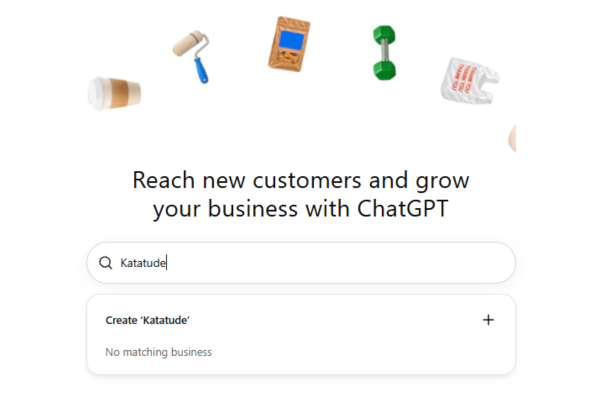
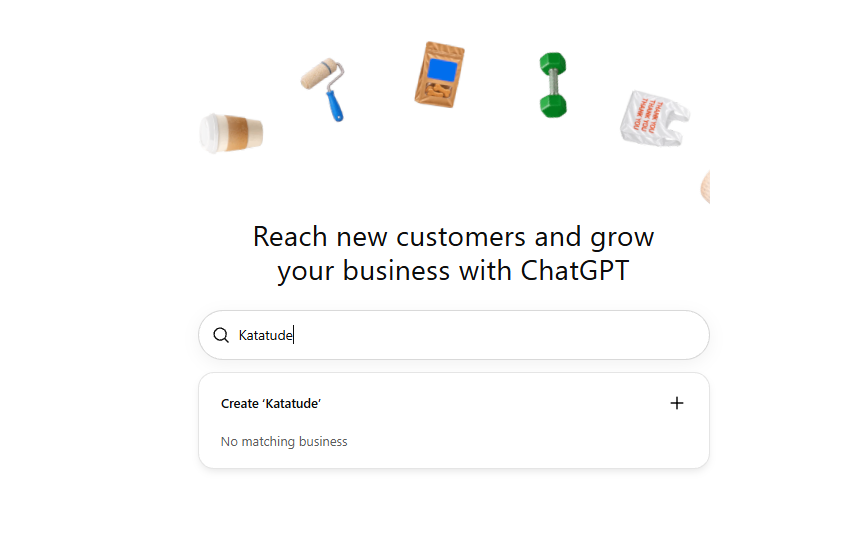
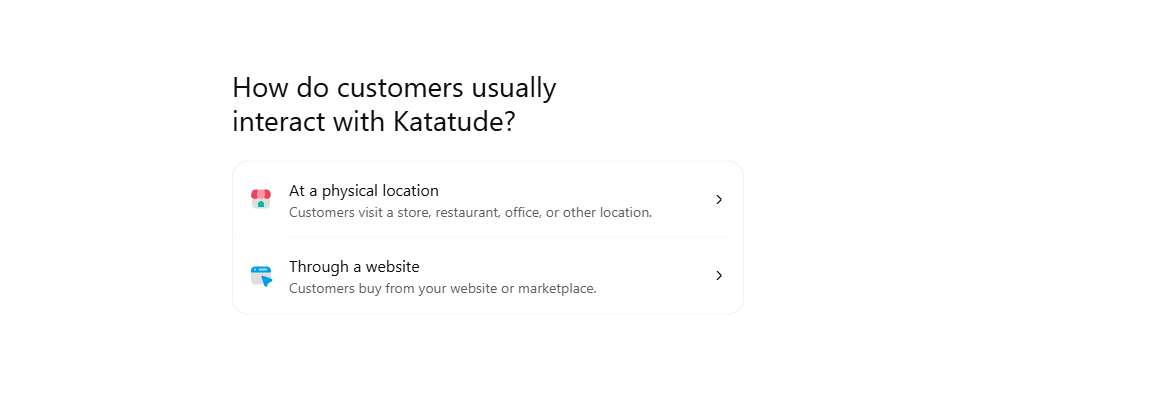
Open Business Hub from the sidebar, or go straight to chatgpt.com/business-hub. Search for your business by name.
Find and select the right listing
Select the listing that matches, and confirm which ChatGPT account will manage it.
Use an account the business controls, not a personal one you might lose access to. If you've got staff helping with marketing, think about who needs to keep access if someone leaves.
Verify your connection to the business
Choose one of the methods shown for your listing and follow the prompts. Depending on the listing that might be a code to the business phone or email, a record added to your domain, or your Shopify store.
Wait for the review
OpenAI reviews the claim and emails you the decision, or asks for more. Don't assume it's done until that lands.
Complete identity verification
After the claim is approved you still need this second check. It's what lets you publish changes, see insights, or create a business agent if you're eligible.
Expect to provide a government ID, business registration information, and proof you can represent the business.
Check your registered legal name first
This is the important part.
The business name you enter for verification has to match your official registration exactly. Not the name on your sign. Not the name on your Instagram. Not the name your clients know you by.
For a lot of small businesses those are different things. The name you operate under isn't always the name on your registration or your official address records.
If that's you, use the registered legal name and address on the verification form, word for word as they appear on your records. Use your operating name only where the form asks for it separately.
Have these open before you start:
Your business registration, showing the legal name exactly as registered
The registered address, exactly as it appears on your records
A government ID for whoever is completing the identity check
Access to the business phone, email or domain you'll verify with
Five quiet minutes to check every field before you press submit
I know that sounds basic. It's the step I missed, and it's far easier to check before you submit than to fix afterwards.
What happened when I claimed Katatude
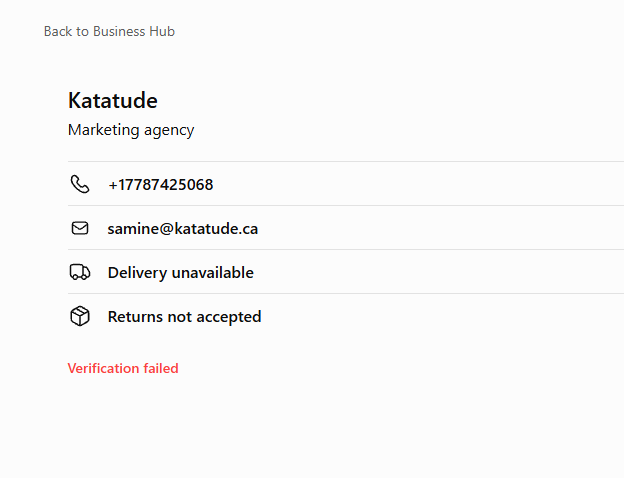
I claimed it as soon as this launched, and my verification failed.
The reason, as far as I can tell, is simple. I entered the name I operate under, and my legal name is different.
I contacted OpenAI Support. They didn't reset the verification. The Hub shows no retry option and no way to cancel and start again, so there's currently nothing for me to resubmit.
Support told me to leave the profile as it is, not to create a duplicate, and not to keep submitting attempts. They said the name difference may be relevant but couldn't confirm it was the cause.
I'm sharing it because it's the mistake I made, and it's an easy one to avoid if you know about it first.
The domain verification I'd already completed is a separate thing. It doesn't finish the identity check and it didn't fix the failed verification.
If your verification fails
Be clear about where this stands. It's a new beta, and a failed verification may leave you stuck with no retry button.
That's not a reason to avoid claiming. It's a reason to get the details right the first time.
If yours does fail, don't create a second profile for the same business and don't keep submitting attempts. Contact OpenAI Support, explain what you entered and what your registered details are, and ask whether the verification can be reopened. Keep screenshots of the status you see, with personal details covered.
Your normal ChatGPT use isn't affected. The profile just sits unverified until there's a way to fix it.
What claiming doesn't do
It doesn't guarantee ChatGPT will recommend you more often, rank you higher, or bring you more business. It still makes its own recommendations and may still use other sources when answering questions about you.
Think of it the way you think of Google Business Profile. You claim it because the information should be yours to correct, and because you want to see the numbers. Not because claiming it is a shortcut.
Should you claim yours now?
Yes, if you can do it carefully.
Open the Hub, find your listing, and look at what ChatGPT currently says about your studio, clinic or shop. Then claim it with your registration documents in front of you rather than from memory.
If your operating name and legal name are different, and for a lot of small businesses they are, that one check before you submit is the difference between a verified profile and a dead end with no retry.
Want to talk it through?
Happy to have a chat if you want to know more. Whether you should claim yours, what to check before you submit, or what to do if you're already stuck after a failed verification.